For tabletop school days
Atlas DS
Two screens. One clamshell.
A dual-screen device that folds shut like a book — built for writing, research, and lessons that run longer than a single app session. The main IPS screen runs activities; the e-ink side shows quiet status (battery, time, weather) so you can glance without pulling focus from the lesson.
Why Two Screens?
The second screen isn't a gimmick. E-ink draws near-zero power, produces no blue light, and holds its image without refreshing. It's the right technology for information you glance at — the battery level, the current time, a gentle activity hint — without touching the main interface.
At the homeschool table, a parent can read battery and time on e-ink without leaning over the main lesson. For older students, it is a persistent reference pane — vocabulary, map legend, formula sheet — while the primary display stays on task.
Book Mode
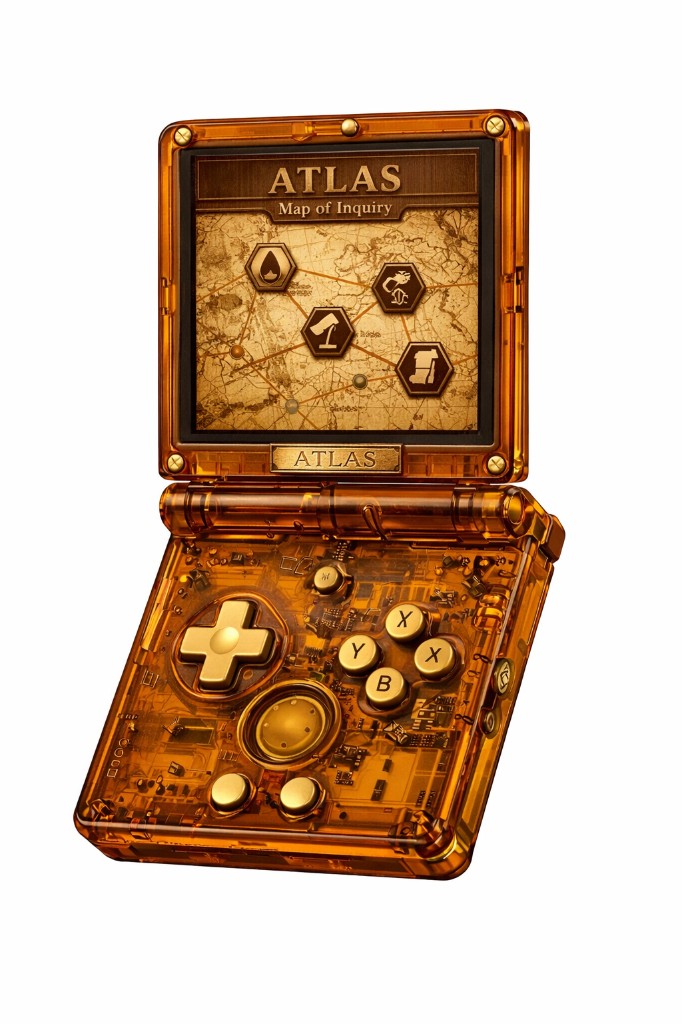
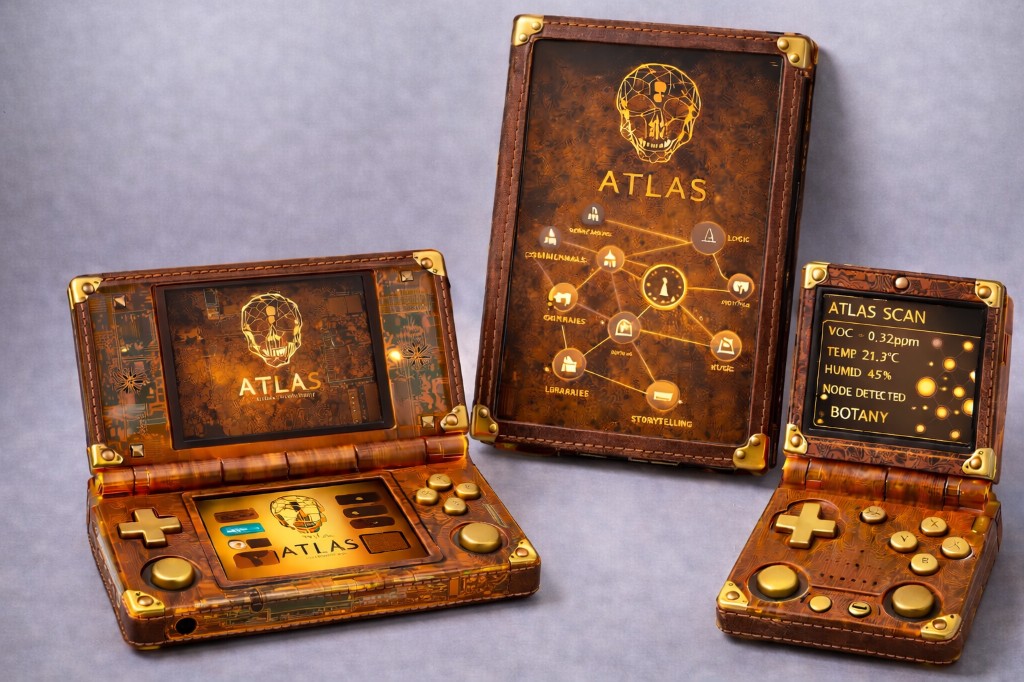
Open the DS like a book and the gyroscope detects the orientation change. The left screen becomes a reference pane (or status display) and the right screen becomes the active workspace. It's the same UX paradigm as a textbook — context on one side, work on the other.
Read-alouds, field guides, dual-view activities, or a clock on one side with the assignment on the other — patterns families already use with physical books. The firmware handles layout switching automatically.
Specifications
All sensor data is processed on-device and discarded after use. No data leaves the device.
iNQ Card Compatibility
iNQ Cards are not supported on DS without the Sense board. The DS has no built-in camera, so QR-based card scanning requires the Atlas Sense module. NFC cards work directly if the card includes an NFC tag.
Without Sense attached, the DS works as a standalone learning platform — activities, content library, and terrAIn controller all run natively.
Atlas DS
Join the founding cohort for homeschool-friendly hardware at cost and a real voice in the firmware roadmap.
Join the Founding Cohort