iNQ Cards
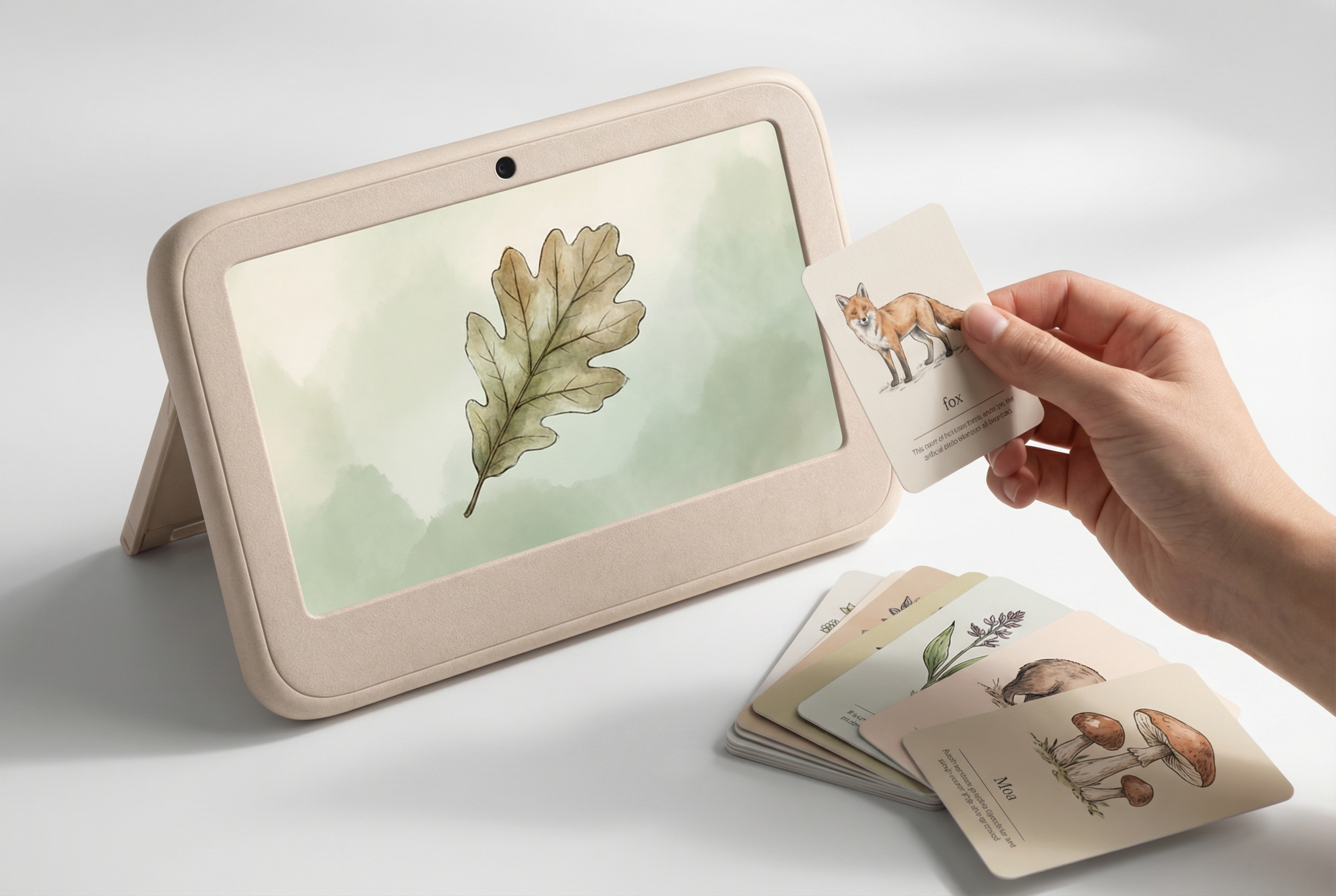
Physical inquiry cards that bring learning into the hand.
Hold one. Scan it. Atlas expands the lesson.
Conversation follows.
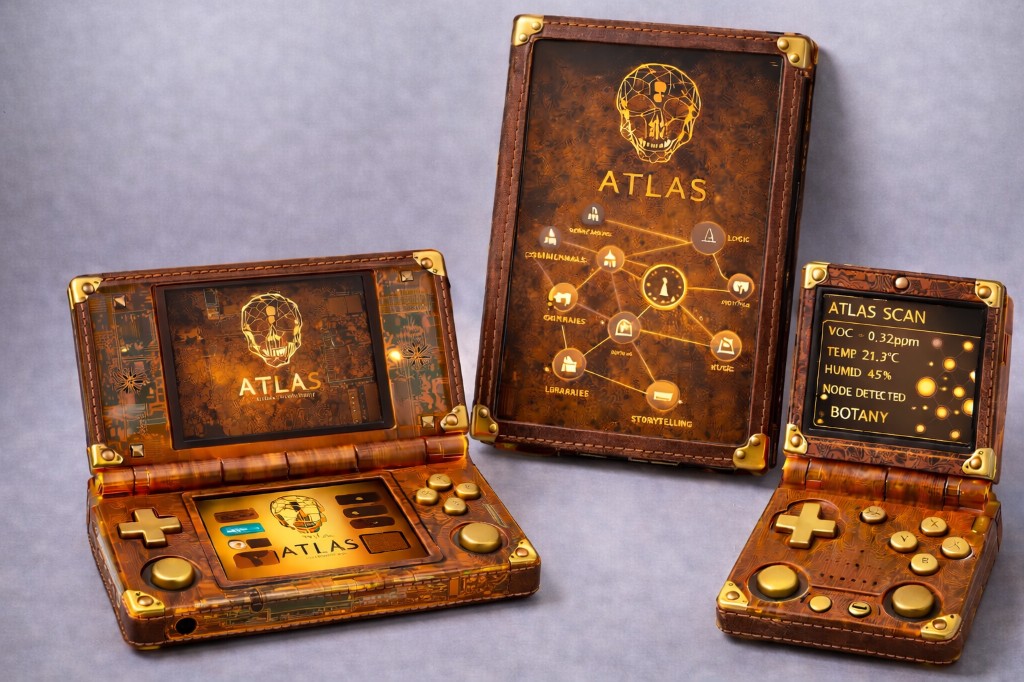
The shared-screen tablet for home learning.
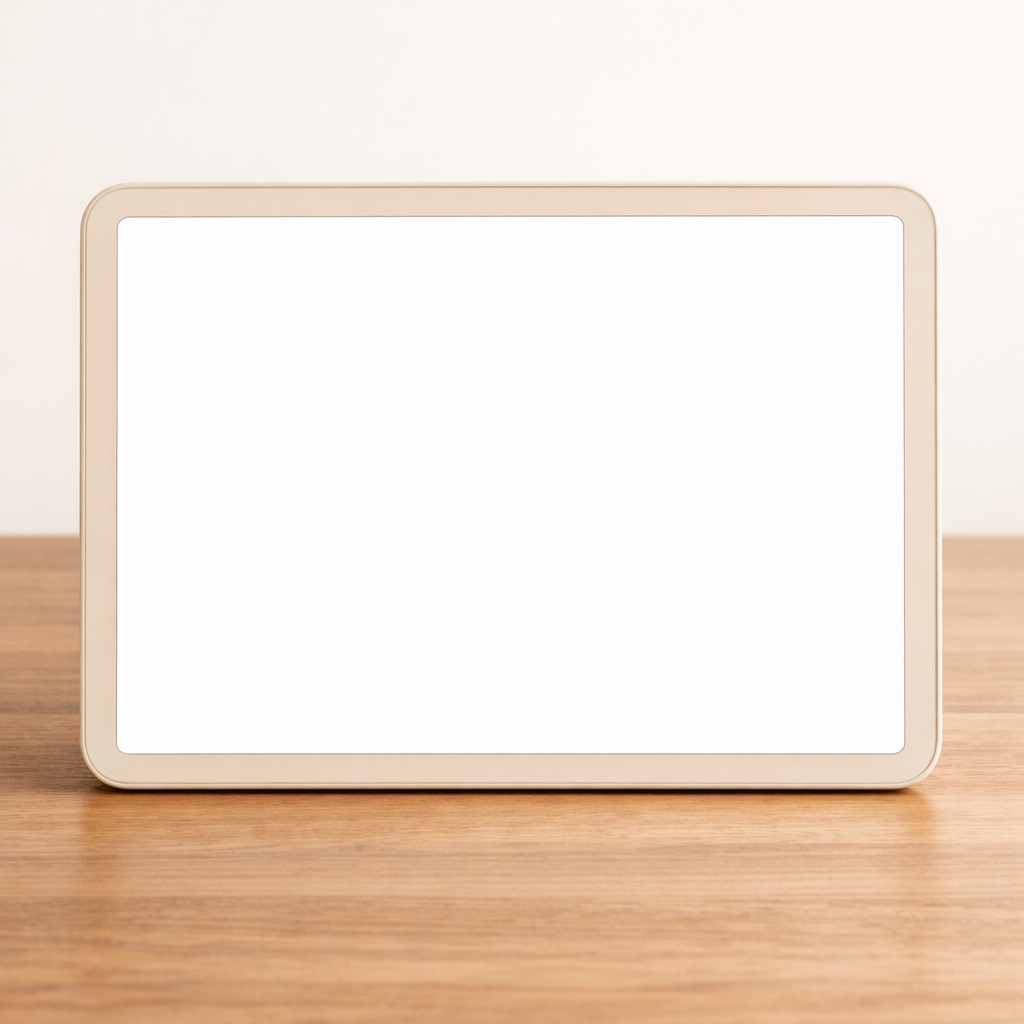
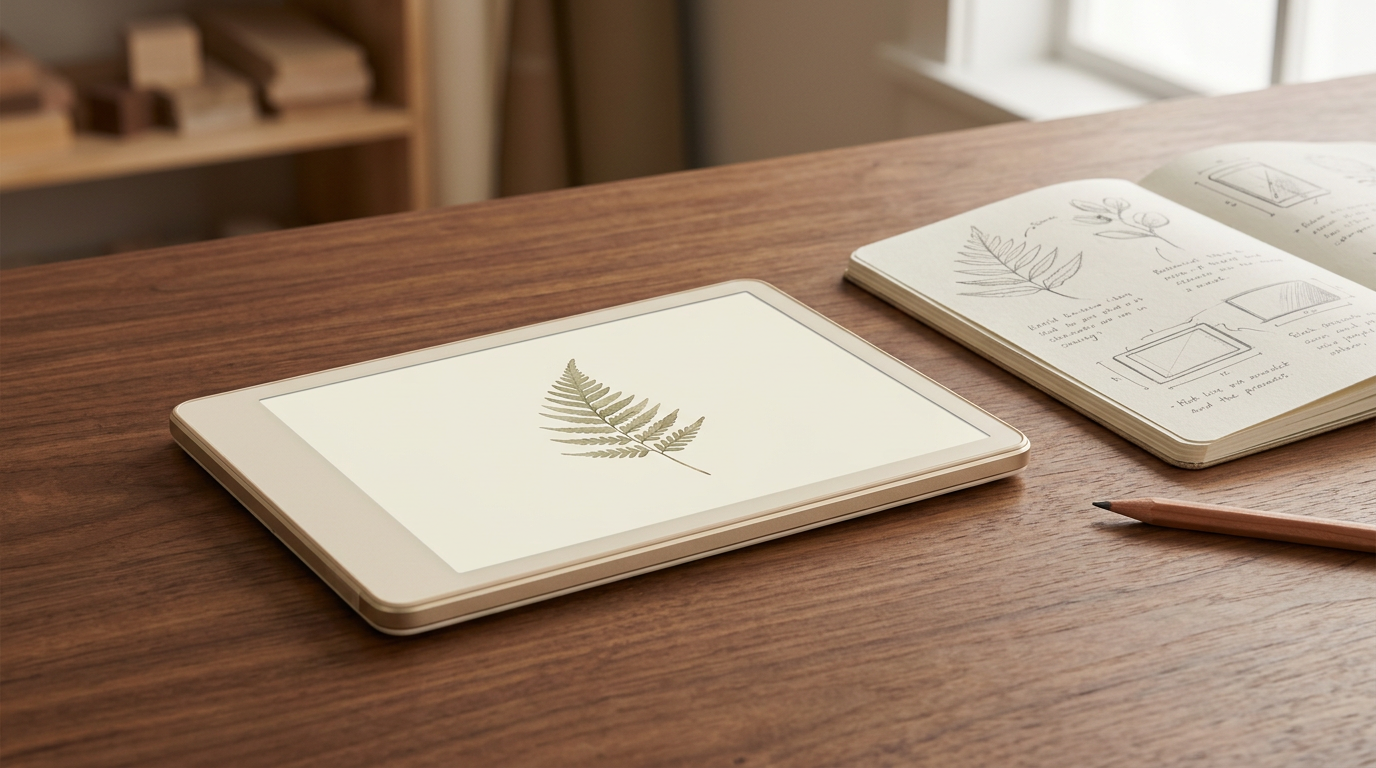
A 7 inch landscape device — single screen, full kickstand, drop-tested housing — for lessons you lead at the table or on the floor. Built for sustained attention (not endless feeds) and tough enough for siblings and daily homeschool use. This is where Atlas started.
Read the early-learning philosophy →
You've watched a toddler fall completely into a screen.
The speed.
The intensity.
How hard it is to pull them back.
The problem isn't the screen.
It's the pace.
Atlas was built to slow everything down.
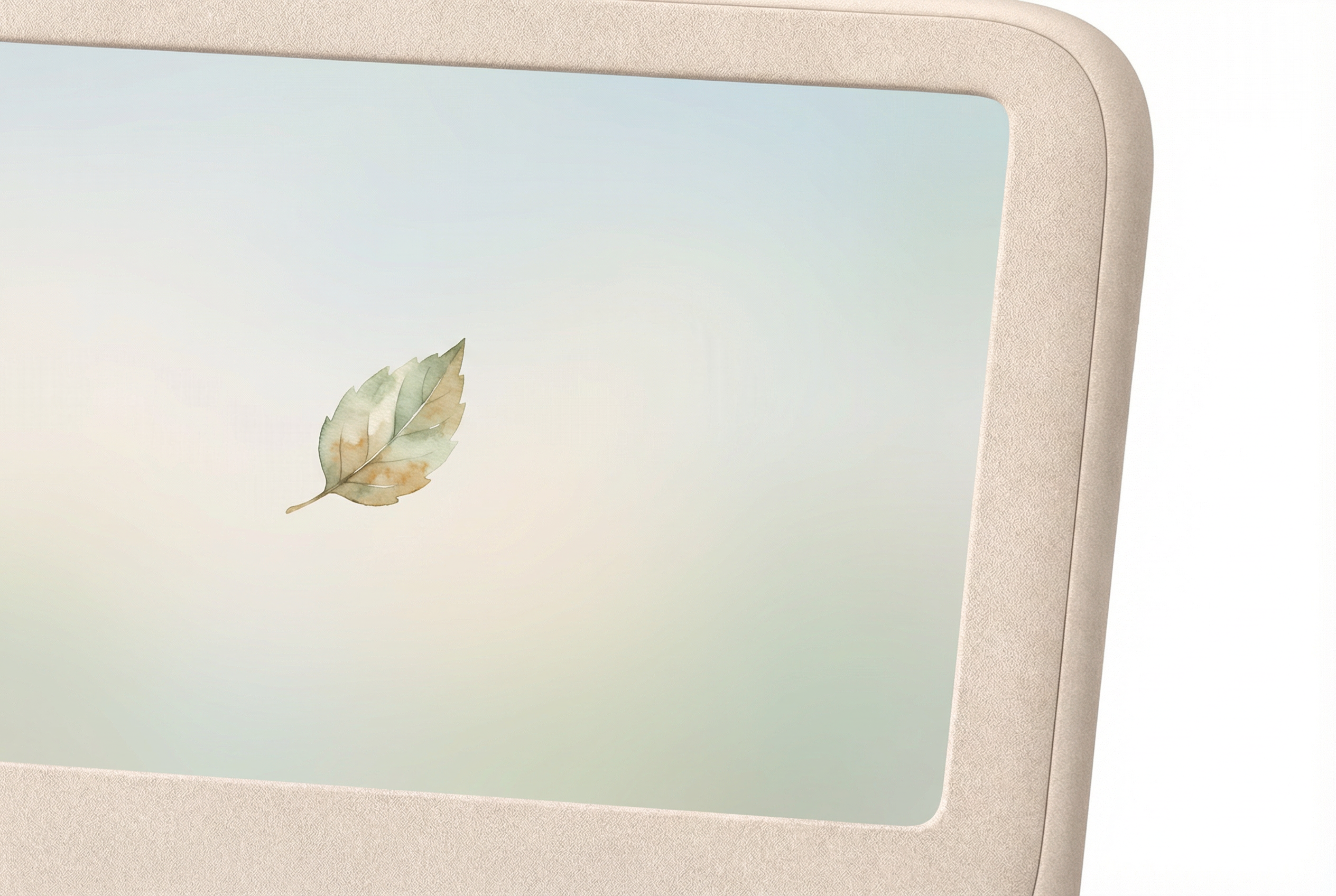
Atlas presents one subject at a time.
No autoplay.
No flashing rewards.
No endless loops.
Just space to observe.
In early prototype conversations, families have described:
Children linger longer when there is less to chase.

Childhood is active.
Atlas Field Tablet hardware:
Engineered to endure childhood.

The Field Tablet sits in one ecosystem — DS, TriCorder, Sense, and the Inquiry Appliance share firmware and Castalia content. iNQ Cards work across devices (DS and SP need Sense for QR scanning). terrAIn connects to any Atlas as a controller.
Many families start here: one shared screen for demos and young learners, then add a clamshell, handheld, or home appliance as routines expand. Same stack, same library you curate.
Sustained looking is where deep learning begins.
Physical inquiry cards that bring learning into the hand.
Hold one. Scan it. Atlas expands the lesson.
Conversation follows.
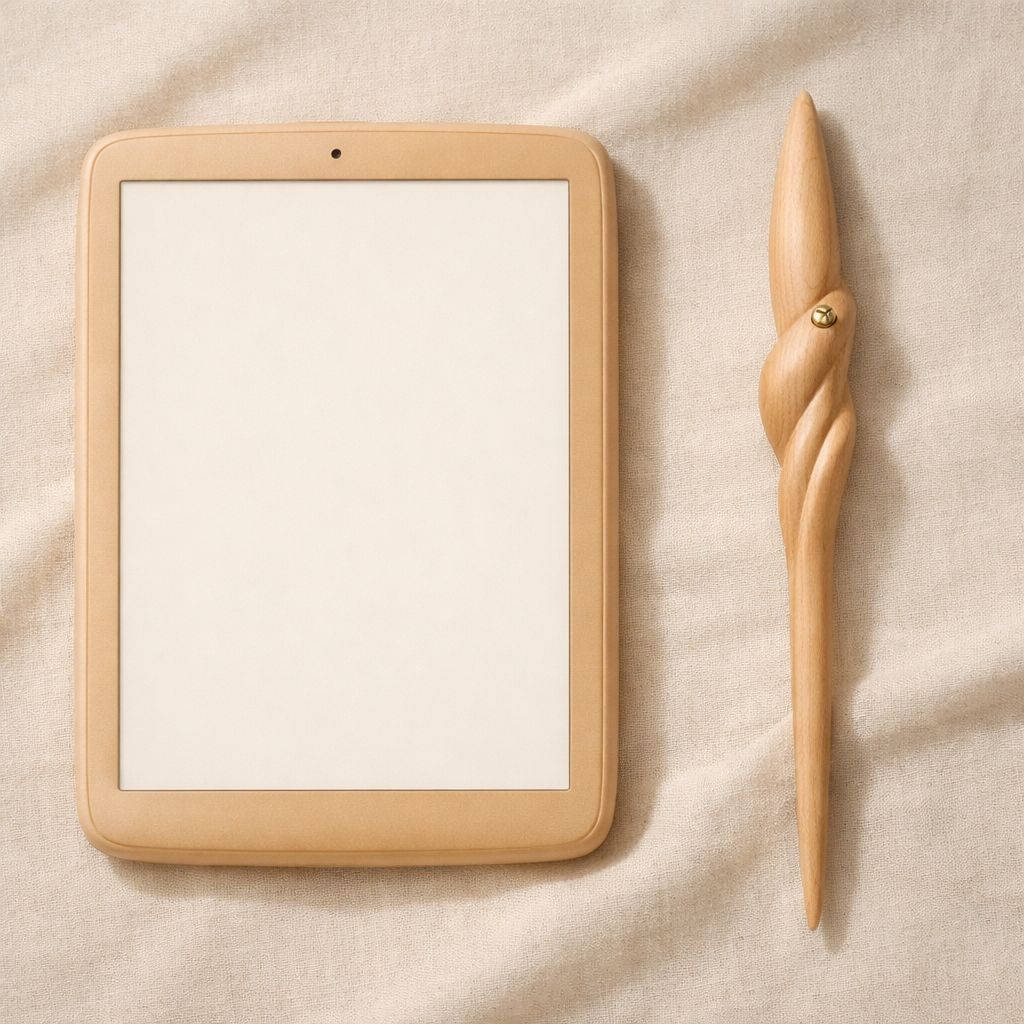
The Wand of Inquiry replaces frantic tapping with deliberate gesture.
Movement becomes part of understanding.
Optional. Intentional. Balanced.
Each activity is one subject at a time. No autoplay. No endless loops. Just space to observe and respond.
Homeschool-friendly by default: curated content, one focus at a time, and iNQ Cards that extend lessons off-screen. Parents configure what's available; the device does exactly that and nothing else.
Available now for Ages 2–4 (Seedling):
More activities for older ages (Sprout, Sapling) are in development.
🧪 Exploratory Demo Available
Explore 24 bounded interactions that help us study pace, repetition, and transitions in early prototypes. This is a design exploration, not a validated attention assessment.
Try the Interactive Demo →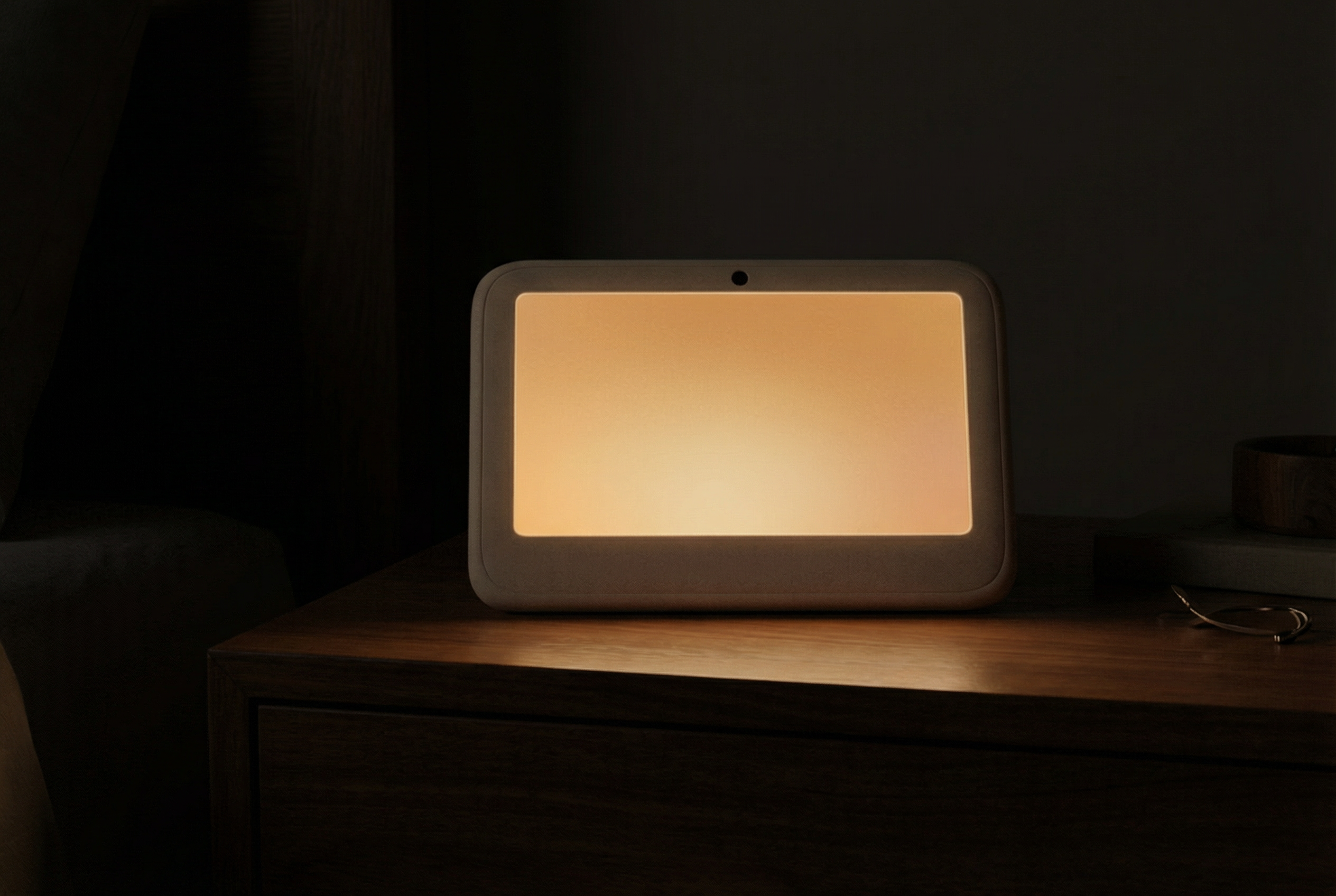
At the end of the day, Atlas transitions softly into sleep mode.
A warm amber glow.
No blue glare.
No abrupt shifts.
Because learning includes knowing when to pause.
We currently have:
What we are funding:
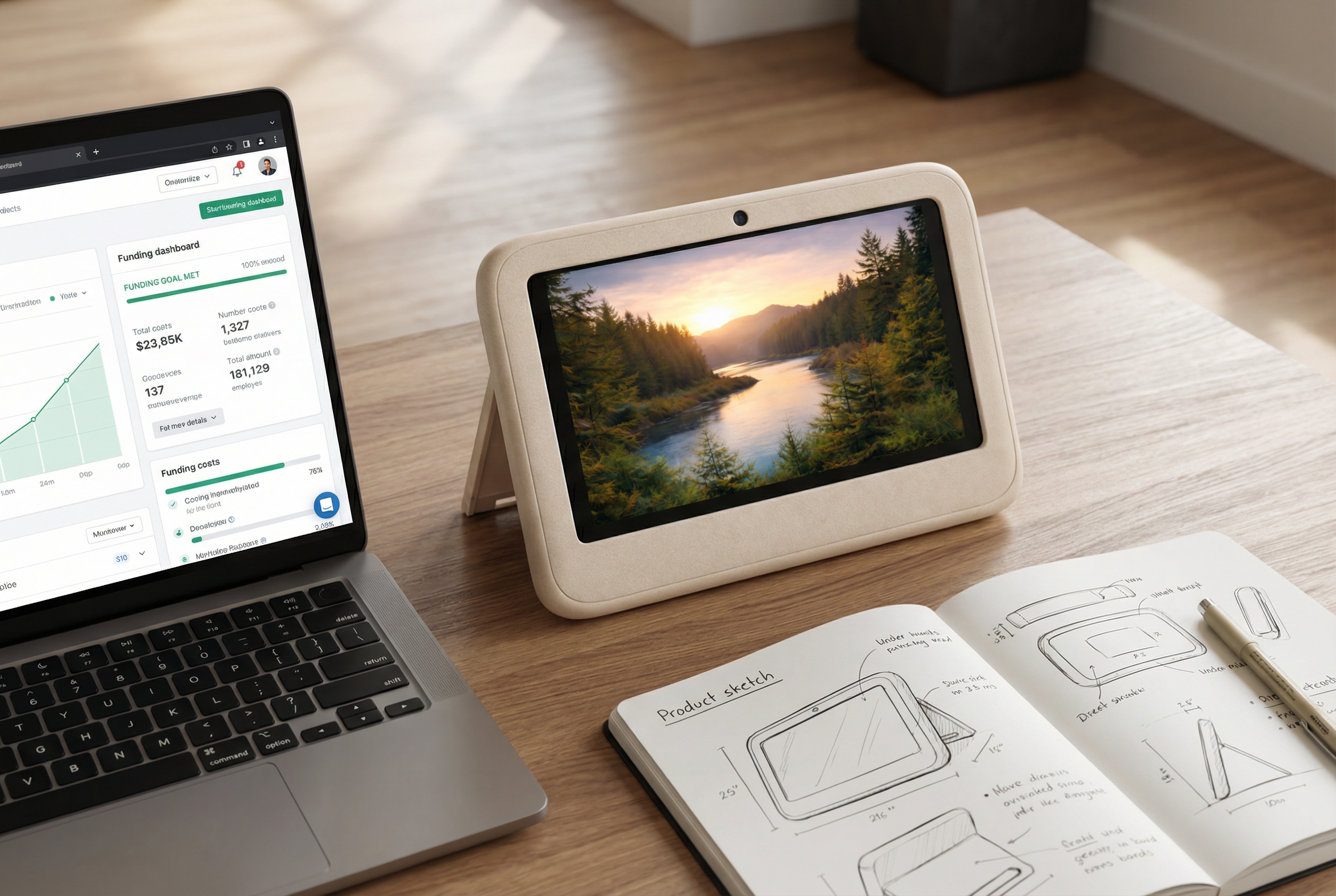
We are choosing to launch through OpenCollective and Ii Atelier to:
Backers can follow funding allocation, production milestones, and design progress openly.
This is not a hidden startup.
It is a transparent build.

We are building Atlas in rhythm with the year.
Progress updates will be shared openly throughout each phase.
Manufacturing always involves variables.
We are mitigating risk by:
We are committed to transparency at every stage.

Atlas is not built to compete with entertainment tablets or “everything apps.”
It is built to protect attention — including yours, while you teach.
If you believe childhood — and your school day at home — do not need to be rushed —
Join the first production cohort.
Help us build something slower.
First production cohort
Atlas Field Tablet
Join the founding cohort — $99 founding price, homeschool-friendly hardware, and a voice in what we build next.
Join the Founding CohortBuild 40814394029